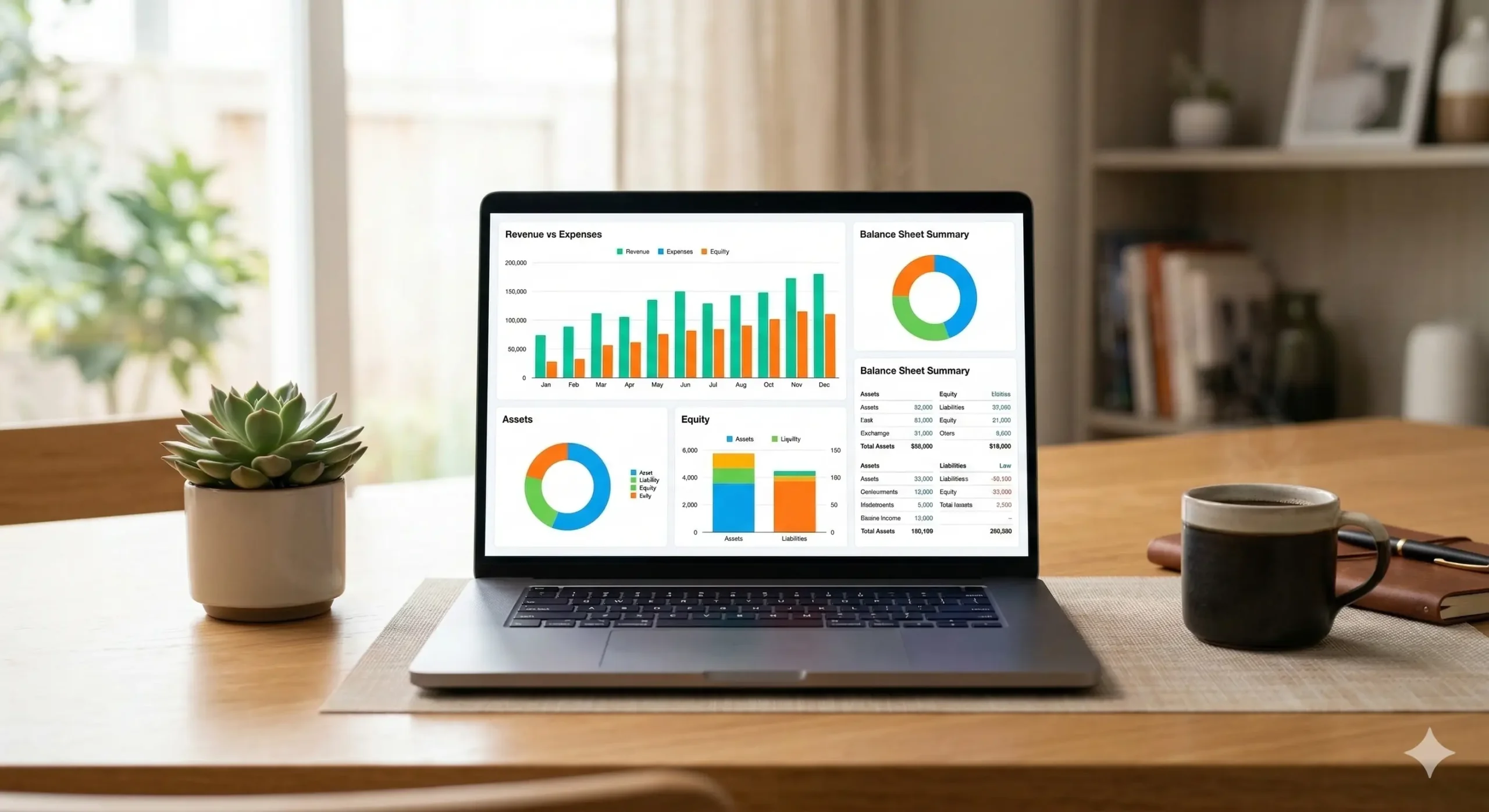
Finding the Right Fit Beyond Xero
Choosing the right accounting software is a bit like picking a pair of running shoes. It has to fit your specific stride, or you’ll end up with metaphorical blisters. Xero is a fantastic tool, but it isn’t the only player in the game for 2026.
Whether you find Xero’s pricing a bit steep or its interface a little too “accountant-focused,” looking at alternatives can open up new levels of efficiency. Many modern platforms now offer specialized features that might suit your workflow better.
In this guide, we will break down the top contenders that balance power with ease of use. From heavy hitters to agile free options, let’s find the software that makes your bookkeeping feel less like a chore and more like a strategy.
1. QuickBooks Online: The Industry Standard
If Xero is the challenger, QuickBooks Online is the undisputed heavyweight champion. It is the most widely used accounting software globally, meaning almost every accountant or bookkeeper you hire will already know how to use it.
One of its biggest strengths is its deep reporting capabilities. While Xero is great for a quick glance, QuickBooks allows you to slice and dice your data until you see exactly where every cent is going. Think of it as a microscope for your cash flow.
For example, if you run a retail shop, QuickBooks’ inventory tracking is often cited as more robust for physical goods. It handles stock levels and purchase orders with a level of detail that growing businesses truly appreciate.
2. Zoho Books: The Automation Specialist
Zoho Books is perfect for the business owner who loves a connected ecosystem. If you already use Zoho CRM or Mail, adding Books is a seamless experience. It’s highly praised for its sleek automation and affordable pricing tiers.
The standout feature here is the “Client Portal.” It allows your customers to log in, view their outstanding invoices, and make payments directly. It turns a clunky back-and-forth email chain into a professional, self-service experience for your clients.
Imagine a freelance graphic designer who needs to send recurring invoices. Zoho can automate the entire process—from sending the bill to following up on late payments—without the designer ever lifting a finger.
3. Wave: The Best Free Alternative
For freelancers and micro-businesses, Wave is often the hero of the story. Unlike many “freemium” models that hide essential features behind a paywall, Wave offers its core accounting and invoicing software completely free of charge.
They make their money through optional payment processing and payroll services. This makes it an ideal starting point for a solo entrepreneur who wants to keep overhead low while still maintaining professional books.
Picture a consultant just starting out. They don’t need complex inventory or multi-user access; they just need to track expenses and get paid. Wave provides that professional polish without the monthly subscription fee.
4. FreshBooks: Built for Service Businesses
FreshBooks started as an invoicing tool, and that heritage shows in its user-friendly design. It is specifically built for service-based businesses like agencies, consultants, and contractors who bill for their time and expertise.
The platform excels at time tracking and project management. You can track hours directly within the app and then pull those hours into an invoice with two clicks. It eliminates the guesswork of “how much did I actually work on this?”
If you are a photographer, for instance, you can track your time on a shoot, log your travel expenses, and send a beautiful, branded invoice to the client before you even leave the location.
Practical Tips for Choosing Your Software
- Check Accountant Compatibility: Ask your bookkeeper which platform they prefer; a happy accountant makes for a smoother tax season.
- Test the Mobile App: If you do a lot of business on the go, ensure the mobile interface is intuitive for snapping receipt photos.
- Look at Integrations: Make sure the software connects to your bank and other tools like Shopify, Stripe, or your CRM.
- Consider User Limits: Some platforms charge per user, while others (like Xero) offer unlimited seats; choose based on your team size.
Making the Final Move
Transitioning away from Xero might feel like a big leap, but most modern platforms offer easy import tools to bring your data over. The goal is to spend less time in the spreadsheets and more time growing your vision.
Take advantage of the free trials most of these providers offer. Spend thirty minutes poking around the dashboard of a few different options to see which one “clicks” with your personal logic and business needs.
Would you like me to create a detailed comparison table for these four alternatives to help you visualize the feature differences?