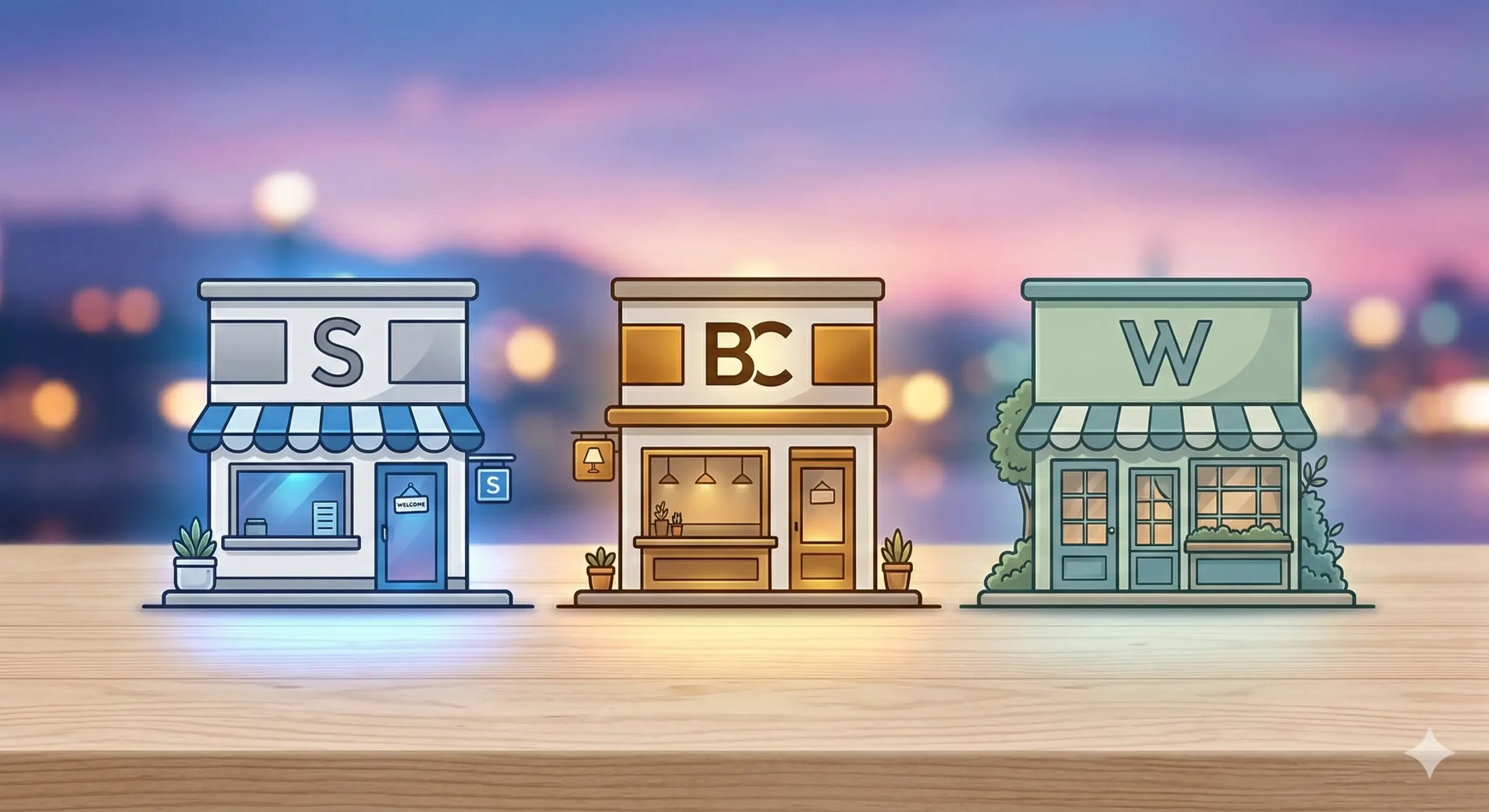
Hey there, beginner entrepreneur! Choosing the right e-commerce platform feels like picking a house. It’s a big decision, and you’ll be living with it for a while. Today, we’re comparing three of the biggest names: Shopify, BigCommerce, and WooCommerce. Let’s find your perfect fit.
The Core Battle: All-in-One vs. Control
First, understanding the main types of platforms is crucial. Some are ‘all-in-one’ hosted solutions, and others give you total, hands-on control. This single distinction is the foundation for everything else you need to know.
Shopify and BigCommerce: The Easy Path
Think of Shopify and BigCommerce as renting a beautiful, fully managed apartment. They handle the tricky stuff like security, server maintenance, and initial setup. All you do is decorate (design your store) and move in (add products).
For many beginners, this model is a huge relief. For example, Shopify’s entire process from sign-up to a working store can take mere hours, leaving you plenty of time to focus on marketing.
WooCommerce: Total Freedom
WooCommerce, conversely, is like building your own house. It’s a plugin for WordPress, which means you are responsible for everything—from buying web hosting and your domain name to installing SSL certificates and managing updates.
This is where the control comes in. You can change *anything* and own *everything* about your store. If you want a hyper-specific product display page that breaks all standard rules, WooCommerce lets you do that.
Round 1: Ease of Use & Setup
Let’s look at getting started. Because, honestly, if it’s too hard to even set up, you might never get around to actually selling anything!
Shopify’s Setup
Shopify is incredibly user-friendly. The initial wizard guides you perfectly. I often recommend it because it genuinely feels like they’ve thought of everything for a beginner.
Their ‘Drag-and-Drop’ store builder is intuitive, even if you have zero design skills. Simply find a theme, upload images, and you’ve got a professional look. It’s like building with digital Legos—almost fun.
BigCommerce’s Setup
BigCommerce is also friendly but feels a little more built for growth from day one. It has a powerful theme editor and plenty of useful built-in tools that Shopify sometimes makes you add via apps.
For example, BigCommerce natively handles product variations (different sizes, colors) very well. It’s easy, but perhaps slightly more of a learning curve for a true novice compared to Shopify.
WooCommerce’s Setup
This is where WooCommerce shows its complexity. Setup is not a single click. You first need a WordPress site (many web hosts have 1-click WP install, which helps) and then you install the WooCommerce plugin.
After that, you’re faced with dozens of crucial settings: payments, shipping, tax rates, emails. If you’re tech-savvy or already know WordPress, this is manageable. For a total beginner, it’s a lot to take on without guidance.
Round 2: Flexibility and Customization
What happens when your store is up and running and you need specific features? This is where the platforms diverge significantly.
Shopify: The App Model
Shopify has an enormous App Store. Need to calculate custom shipping? There’s an app. Want to run an advanced loyalty program? There’s an app. For a small fee, you can get almost any feature you need.
This app-driven approach is a double-edged sword. You get great features, but your monthly costs can add up fast. Imagine buying $5 apps for shipping, reviews, and pop-ups—your bill just jumped by $15!
BigCommerce: Built-In Strength
BigCommerce prides itself on including many features out of the box that Shopify requires apps for. This is their major selling point for scaling businesses.
Features like advanced product filtering, multi-currency support, and gift cards are often included. This means a lower reliance on third-party apps, potentially keeping your costs more predictable as your store grows larger.
WooCommerce: True Freedom (With a Catch)
WooCommerce is open-source. This means the code is yours to modify in any way you can imagine. In terms of flexibility, it has no limits.
However, that flexibility relies on plugins or hiring a developer. The WordPress ecosystem offers thousands of plugins, many free or cheaply priced, but you are responsible for maintaining and updating them. Too many plugins can also slow down your site if you’re not careful.
Round 3: Costs and Ongoing Expenses
Let’s talk money. This is a crucial factor for every beginner.
Shopify Pricing
Shopify uses a simple monthly subscription model. Their standard plans are competitive. For example, a basic plan might cost around $29/month.
But the biggest cost to watch is transaction fees. If you don’t use ‘Shopify Payments’ (their own processor), they charge an extra fee (like 2%) on top of your payment processor’s fee. And don’t forget those app costs!
BigCommerce Pricing
BigCommerce’s pricing is similar to Shopify’s. Their plans start around $29/month too. Their major advantage is they do *not* charge additional transaction fees, which can be a huge long-term saving.
The catch with BigCommerce is they put a limit on your annual sales for each plan. If you go over a certain amount (e.g., $50,000/year), you’ll automatically be bumped to a more expensive plan. It’s a good problem to have (your business is succeeding!), but still a cost to consider.
WooCommerce Costs
WooCommerce is a free plugin, which sounds amazing! But remember, you still need to pay for web hosting (which starts around $5-$10/month for a decent starter plan), your domain name, and any paid themes or plugins.
The great thing is, your monthly fixed costs can be much lower. You might pay $10/month for hosting and $15/year for a domain. But the total cost really depends on how many premium plugins or developer hours you need.
Our Final Verdict
| Platform | Best For | Key Strength | Main Drawback |
|---|---|---|---|
| Shopify | Complete Beginners | Ease of Use & Quick Setup | App Costs & Transaction Fees |
| BigCommerce | Rapidly Scaling Stores | Built-In Features & No Extra Fees | Sales-Based Plan Bumps |
| WooCommerce | Tech-Savvy Owners or Unique Needs | Total Control & Lower Long-Term Costs | Setup & Maintenance Complexity |
Which One to Choose?
Ultimately, the best choice depends on your personality and goals. Are you someone who just wants to sell products with minimal technical fuss? Shopify is the clear winner for you.
Do you have big scaling dreams and hate the idea of relying on apps for every feature? BigCommerce is your powerful partner. Their native feature set will support your growth.
Finally, do you demand complete control over your site and have some tech skills? WooCommerce gives you a blank canvas. It’s hard to build, but it will be uniquely yours.
Start with a clear understanding of your needs. Whatever you choose, know that with some effort and dedication, any of these platforms can power a successful online store. Good luck!