The Shift Toward Intelligent Design Tools
For decades, Adobe Photoshop has been the undisputed king of the creative world. If you wanted to edit a photo or design a graphic, it was the only serious option. But for many, it often felt like trying to pilot a commercial jet just to go for a quick drive.
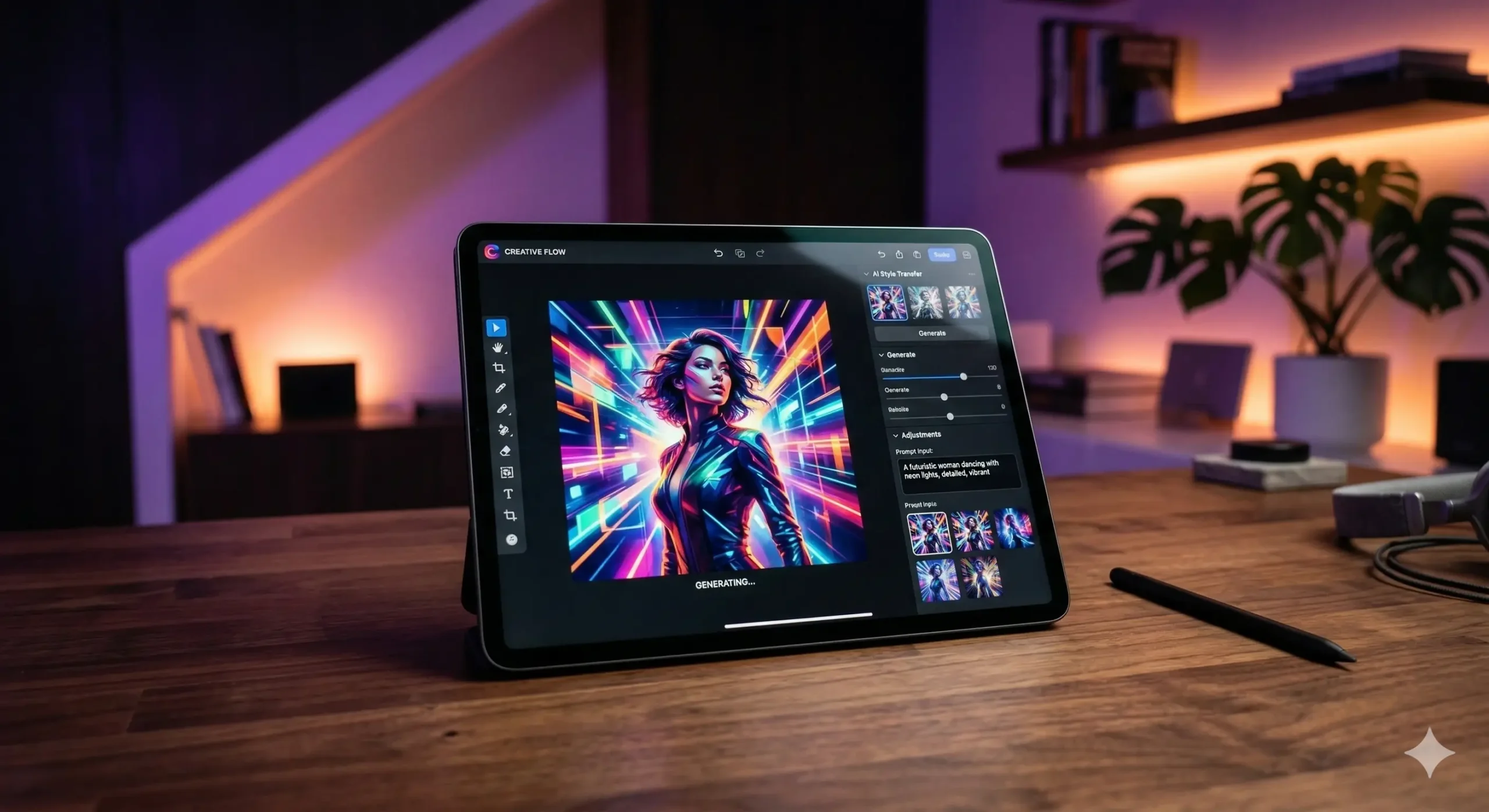
Lately, a new wave of tools powered by Artificial Intelligence has arrived. These aren’t just simple filters; they are intelligent assistants that understand lighting, texture, and composition. They are making professional results accessible to everyone, regardless of technical skill.
In this guide, we will explore the tools that are actually capable of replacing Photoshop for your daily tasks. Whether you are a social media manager, a small business owner, or a curious hobbyist, these options might change how you work forever.
Can AI Really Replace a Legend?
It is important to be realistic about what ‘replacing’ means. Photoshop is a deep, technical powerhouse used for everything from high-end retouching to complex 3D texturing. For some professionals, it will always be the primary choice.
However, for the majority of users, Photoshop is overkill. Most people just need to remove backgrounds, expand an image, or swap out an object. AI tools excel at these specific, time-consuming tasks, often doing them in seconds rather than hours.
Think of it like moving from a manual typewriter to a modern word processor. You lose some of the granular, tactile control, but you gain an incredible amount of speed and helpful features like spellcheck and formatting. AI is the ‘spellcheck’ for visual design.
1. Canva Magic Studio: The All-in-One Powerhouse
Canva used to be seen as a tool just for non-designers, but that has changed. Their new Magic Studio suite brings heavy-hitting AI features directly into a very simple interface. It’s perfect for those who find Photoshop’s layers and masks intimidating.
One standout feature is ‘Magic Grab.’ It allows you to select any object in a photo and move it around as if it were a separate sticker. The AI automatically fills in the background behind the object, a task that used to take significant manual cloning.
If you are creating content for the web, Canva’s ability to resize one design into ten different formats instantly is a lifesaver. It replaces the tedious work of recreating assets, allowing you to focus on the creative vision rather than the pixels.
2. Midjourney and Firefly: Redefining Image Creation
Sometimes, replacing Photoshop means skipping the ‘editing’ phase entirely and going straight to ‘generating.’ Tools like Midjourney allow you to create stunning, high-fidelity images from simple text prompts. It is like having a world-class photographer on call.
Adobe’s own Firefly, integrated into their ecosystem, offers ‘Generative Fill.’ This is perhaps the closest a tool has come to magic. You can highlight a patch of grass and type ‘add a vintage car,’ and the AI weaves it in perfectly with the lighting.
These tools are transforming how we think about stock photography. Instead of searching for hours for the ‘perfect’ shot and then editing it in Photoshop, you simply describe it. The software handles the heavy lifting of composition and color grading for you.
3. Photoroom: The Product Photographer’s Secret
If your primary use for Photoshop is editing product photos for an e-commerce store, Photoroom is a game-changer. It is specifically designed to handle the repetitive tasks of batch editing and background removal with extreme precision.
With one click, it can strip away a messy bedroom background and replace it with a professional studio setting. It even adds realistic shadows and reflections to the product so it doesn’t look like it’s ‘floating’ in space.
It’s like having a professional lighting crew and a digital retoucher in your pocket. For small business owners, this replaces the need for expensive gear or a steep learning curve in Adobe’s complex menus. Speed and quality finally go hand-in-hand.
4. Leonardo.ai: The Professional Creative’s Playground
For those who want more control than Canva but less complexity than Photoshop, Leonardo.ai is a middle ground. It offers sophisticated AI generation with ‘Canvas’ features that allow you to expand and edit images in real-time.
You can use their ‘AI Canvas’ to paint new elements into an existing image. If a photo feels too cramped, you can use ‘Outpainting’ to let the AI imagine what exists beyond the original frame. It creates a seamless extension that looks completely natural.
This tool is excellent for concept artists and designers who need to iterate quickly. It bridges the gap between raw AI generation and fine-tuned digital painting, providing a workspace that feels much more modern than a traditional editor.
How to Transition Your Workflow
Moving away from a tool you’ve used for years can be daunting. You don’t have to quit Photoshop ‘cold turkey.’ Instead, try a hybrid approach to see which AI tools actually save you time and improve your results.
- Identify your most frequent tasks, such as background removal or color correction.
- Test one AI alternative for each task for a week to measure the speed difference.
- Use AI for the initial ‘heavy lifting’ and only return to Photoshop for final, pixel-perfect tweaks.
- Explore community templates and prompts to understand the full potential of your new tools.
- Save your favorite AI workflows to create a repeatable system that scales with your needs.
The Importance of Human Oversight
While these tools are incredibly powerful, they still need a human ‘director.’ AI can generate a thousand variations, but it doesn’t know which one resonates with your audience. You provide the taste and the strategic goal.
It is helpful to view these tools as a force multiplier. If you have a good eye for design, AI allows you to produce ten times the work you could before. It doesn’t replace your creativity; it removes the technical barriers that used to stand in its way.
Always double-check the small details. Sometimes AI might add an extra finger or a strange texture in a corner. A quick ‘human eye’ check ensures your final product looks professional and polished before it goes live to the world.
Conclusion: A New Era for Visual Creation
The era of Photoshop being the only path to professional design is officially over. We are living in a time where the ‘how’ of design is becoming less important than the ‘what.’ If you have a great idea, the tools now exist to help you realize it instantly.
Whether you choose the simplicity of Canva, the generative power of Midjourney, or the precision of Photoroom, you are gaining back something precious: time. You can spend less time wrestling with sub-menus and more time building your brand or sharing your art.
The best tool is always the one that helps you achieve your goals with the least amount of friction. Take a leap and try one of these AI alternatives today. You might just find that you don’t miss those complex Photoshop layers as much as you thought you would.