The Quest for the Perfect Build
Webflow is an undeniable powerhouse in the web design world. It offers granular control that feels almost like magic to seasoned developers, allowing for pixel-perfect precision and complex animations.
But let’s be honest. For many of us, opening the Webflow interface feels like stepping into the cockpit of a fighter jet when all we wanted was a reliable sedan to get us to work.
If you aren’t a professional designer, the steep learning curve can be more than a hurdle—it can be a brick wall. That is where user-friendly alternatives step in to save the day.
Think of it like choosing between building a custom furniture set from raw timber or assembling high-end pieces from a premium kit. Both look great, but one requires years of training.
Why Non-Designers Pivot Away
The primary friction point with Webflow is the Box Model. If you don’t understand padding, margins, and flexbox, your site can break in ways that are incredibly frustrating to fix.
Non-designers usually have a different goal: they want to launch. Whether it’s a portfolio, a small business site, or a landing page, speed and ease of use are the highest priorities.
Modern alternatives have bridged the gap. They offer the same professional aesthetic without requiring you to understand the underlying CSS architecture that Webflow demands.
Moving away from a complex tool doesn’t mean sacrificing quality. It simply means choosing a tool that speaks your language rather than forcing you to learn a new one.
The Intuitive Power of Framer
Framer has quickly become the darling of the no-code world. It looks and feels remarkably like Figma, the tool many people already use to mock up simple ideas or presentations.
The beauty of Framer lies in its “Freeform” canvas. You can literally drag an element anywhere on the page, and the tool handles the responsiveness with surprising intelligence.
Imagine drawing on a whiteboard where the shapes automatically organize themselves into a beautiful layout. That is the Framer experience in a nutshell for the average user.
While it has deep features, the entry point is much lower than Webflow. You can start with a template and customize it visually without ever touching a line of code.
Squarespace: The Reliable Standard
Squarespace remains the gold standard for anyone who values aesthetics but has zero interest in technical configuration. It is the “it just works” solution of the web world.
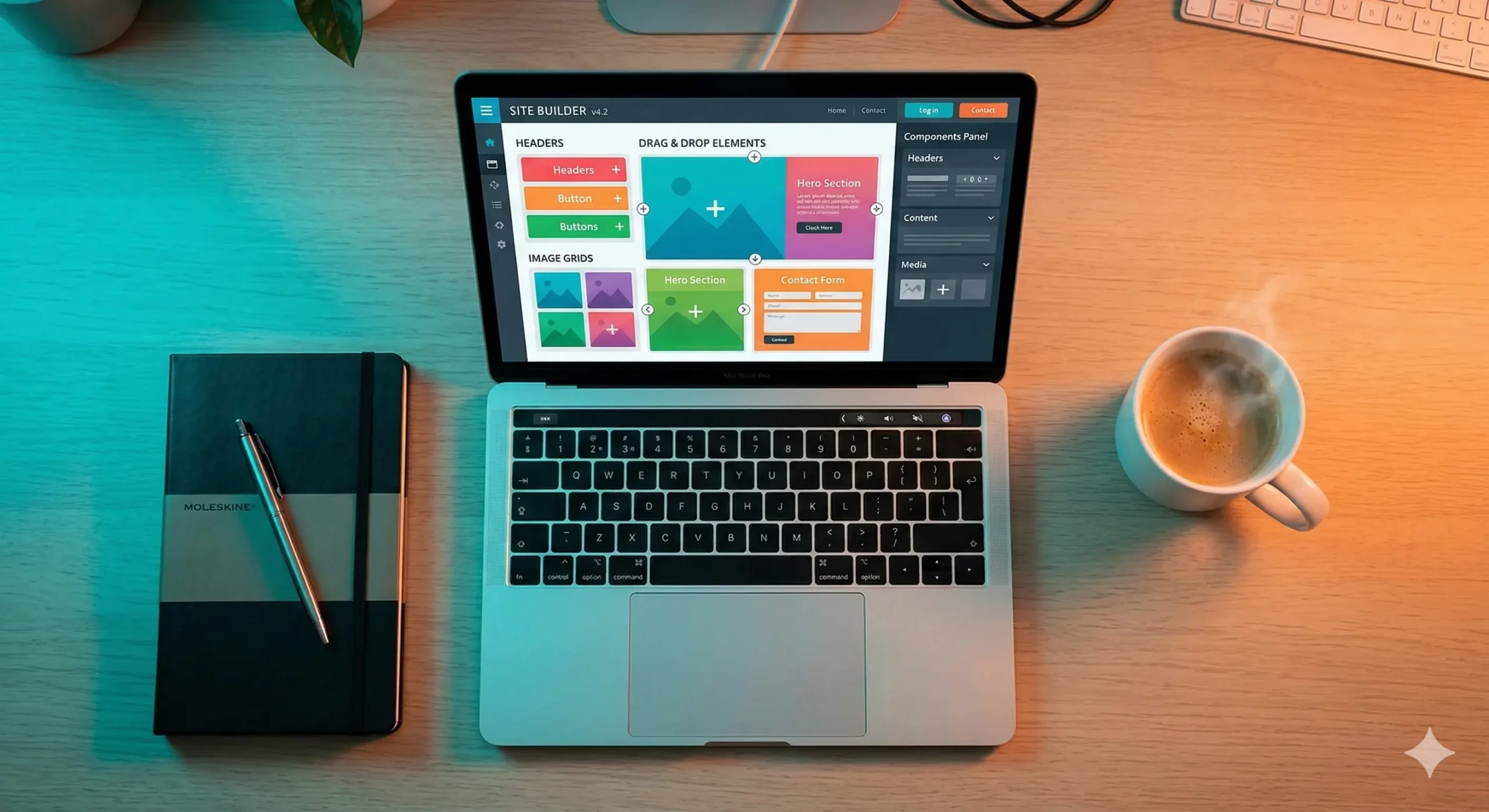
Their Fluid Engine editor allows for a grid-based drag-and-drop experience. It provides enough structure to keep you from making mistakes while giving you the freedom to move items.
Consider it like a coloring book with thick lines. You have the creative freedom to choose the colors, but the lines keep the final image looking sharp and professional.
For photographers, restaurateurs, and small shop owners, Squarespace removes the fear of “breaking the site.” Everything is hosted and managed under one roof for total peace of mind.
Comparing Key Alternatives
To help you decide, let’s look at how these popular platforms stack up against each other in terms of their core strengths for the non-technical user.
| Platform | Best For | Learning Curve |
|---|---|---|
| Framer | Modern, animated sites | Medium |
| Squarespace | Portfolios & Small Business | Low |
| Carrd | One-page landing pages | Very Low |
| Dorik | SaaS & CMS needs | Medium-Low |
The Simplicity of Carrd
Sometimes, a full-blown multi-page website is overkill. If you just need a personal profile, a lead capture page, or a simple invite, Carrd is an absolute champion of efficiency.
It specializes in one-page websites. Because the scope is limited, the interface is incredibly focused. You aren’t distracted by hundreds of menus you will never use.
It’s the digital equivalent of a high-quality business card. It tells people who you are, what you do, and how to contact you without any unnecessary fluff or filler.
The best part? You can have a professional site live in under an hour. For the time-strapped entrepreneur, that speed is more valuable than any advanced animation feature.
Dorik: The Rising Contender
Dorik is a newer player that strikes a fantastic balance between the power of a CMS and the ease of a drag-and-drop builder. It’s perfect for those who need a bit more than a basic site.
It uses a section-based approach. You stack pre-designed blocks on top of each other, ensuring that the vertical flow of your website always looks intentional and balanced.
Think of it like building with high-end Lego sets. Each piece is designed to fit perfectly with the next, so the final structure is sturdy and visually appealing every time.
It also offers built-in blogging features that are much easier to set up than Webflow’s sophisticated but sometimes confusing collections system.
Focusing on Content over Configuration
The biggest trap non-designers fall into is spending weeks fiddling with button shadows instead of writing their sales copy or talking to their customers.
Choosing a Webflow alternative is often a strategic business decision. It allows you to delegate the “technical heavy lifting” to the software so you can focus on your message.
A simple site that is finished and live will always outperform a complex site that is stuck in “Designer Mode” for six months because you can’t figure out the layout.
Your website is a tool to achieve a goal. If the tool itself becomes a source of stress, it’s time to swap it for something that supports your workflow rather than hindering it.
Making Your Final Choice
So, which path should you take? The answer depends entirely on the specific “job” you are hiring the website builder to do for your current project.
- If you want high-end design feel without the code, go with Framer.
- If you need a robust, all-in-one business home, choose Squarespace.
- If you need a quick, beautiful landing page today, pick Carrd.
- If you want a simple blog or a modular business site, try Dorik.
In the end, the best platform is the one you actually feel comfortable using. Technology should empower your creativity, not make you feel like you’re back in a math class.
Take a deep breath, pick a tool that feels intuitive, and start building. The web is waiting for what you have to share, and you don’t need a design degree to get there.
Would you like me to compare the pricing plans for these specific alternatives to see which fits your budget?