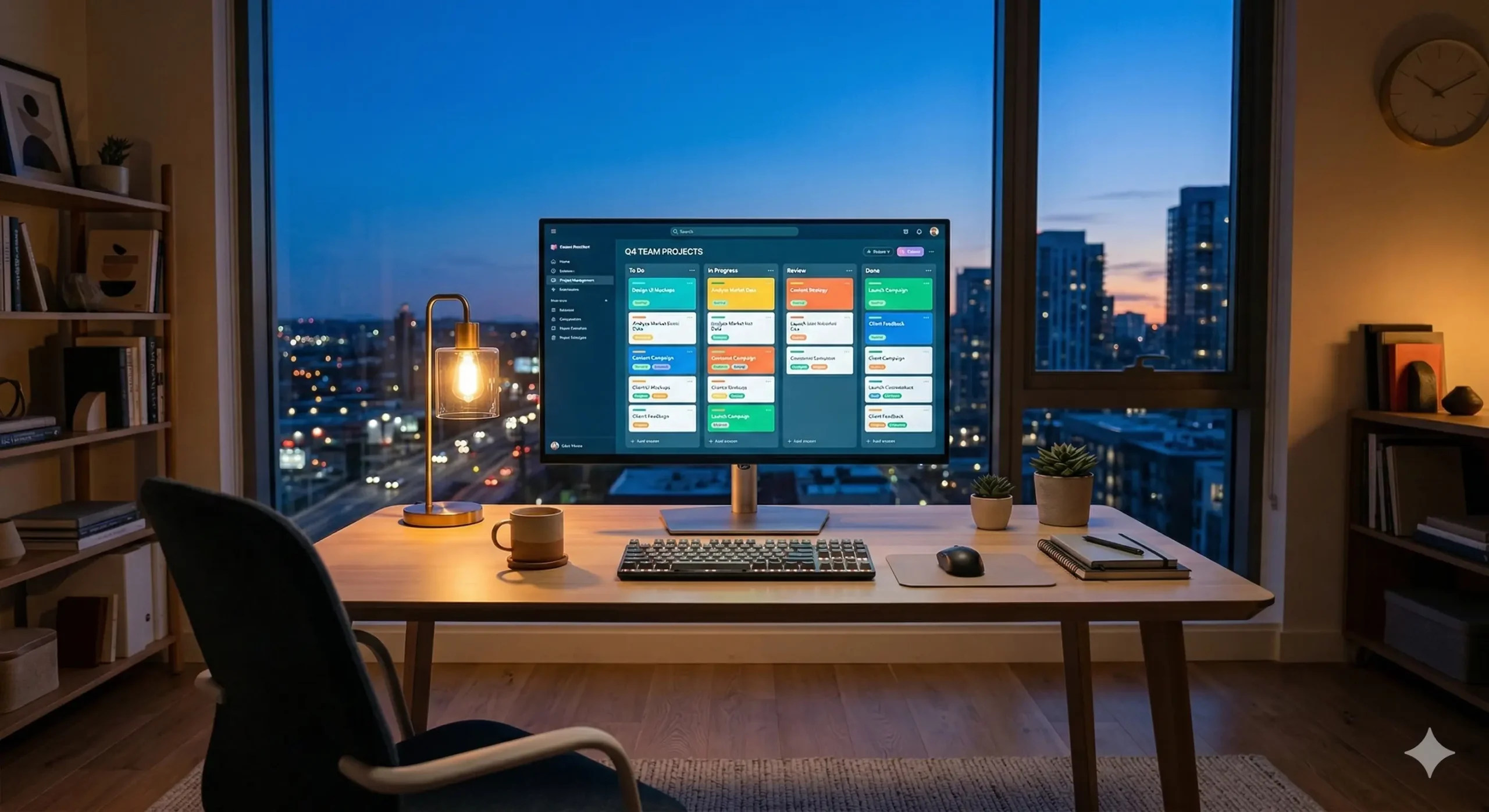
The New Reality of the Digital Office
Remote work has transitioned from a temporary experiment to a permanent pillar of the modern economy. While the flexibility is a major perk, it brings a unique challenge: maintaining a cohesive team spirit without a physical office.
Without the ability to lean over a desk or chat by the coffee machine, information silos can form quickly. This is where collaboration software steps in, acting as the digital glue that holds distributed teams together.
Selecting the right stack isn’t just about cool features; it’s about recreating the natural flow of human interaction in a virtual space. It’s about ensuring that everyone, from the developer in Berlin to the designer in Tokyo, stays on the same page.
Communication: More Than Just Chatting
Instant messaging is the heartbeat of remote collaboration. Tools like Slack or Microsoft Teams have replaced the quick office drop-in. They allow for rapid-fire questions that don’t deserve a full email thread.
For example, instead of a twenty-minute meeting to confirm a hex code, a designer can drop a message in a dedicated channel and get an answer in seconds. This speed keeps projects moving without constant interruptions.
However, effective communication also requires a space for deeper, asynchronous discussions. Threaded conversations allow team members in different time zones to contribute without feeling the pressure of an immediate response.
The Role of Video in Building Trust
We lose a significant amount of nuance when we rely solely on text. Video conferencing tools like Zoom or Google Meet bring back the essential elements of body language and tone of voice.
A quick 10-minute “face-to-face” sync can often resolve a complex misunderstanding that would have taken 50 messages to untangle. It reminds everyone that there is a human being behind the avatar on the screen.
Project Management: Visualizing the Workflow
In a remote setting, visibility is everything. If a manager can’t see what’s being worked on, they tend to micromanage. Project management software solves this by making the invisible work visible to everyone.
Tools like Asana, Trello, or Monday.com use visual boards to track progress. Imagine a virtual whiteboard with sticky notes; you can see exactly who is responsible for a task and when it’s expected to be finished.
For a marketing team launching a new campaign, these boards ensure that the copywriter knows exactly when the graphics are ready, preventing bottlenecks before they even happen.
Centralized Documentation and Knowledge
Information is only useful if people can find it. Remote teams need a “single source of truth”—a place where processes, brand guidelines, and project notes live permanently.
Platforms like Notion or Confluence act as a digital library. Instead of hunting through old emails for a specific file, a new hire can simply search the internal wiki and find the answer themselves.
Comparing the Industry Giants
Choosing a platform depends heavily on your team size and technical needs. Here is a brief look at how some of the most popular tools stack up against one another in a remote environment.
| Software | Primary Strength | Best For |
|---|---|---|
| Slack | Real-time chat & integrations | Fast-paced startups |
| Asana | Task tracking & timelines | Complex project workflows |
| Notion | Knowledge management & notes | Centralizing documentation |
| Miro | Visual whiteboarding | Creative brainstorming |
Current Trends in Remote Productivity
Data suggests that the right software significantly impacts employee retention. When tools are intuitive, frustration drops, and employees feel more empowered to do their best work without technical friction.
- 70% of remote workers feel that digital collaboration tools have improved their productivity since leaving the office.
- Integrated ecosystems are winning; teams prefer tools that talk to each other, like Slack notifications for Trello updates.
- Mobile accessibility is no longer optional, as many workers manage tasks via tablets or phones while on the move.
Avoiding the Pitfall of “Tool Fatigue”
While software is helpful, more isn’t always better. “Tool fatigue” occurs when a team has to check five different apps just to start their day. This fragmentation can actually decrease productivity.
Think of it like a physical toolbox. You don’t need five different types of hammers; you just need one reliable one that works every time. Consolidation is the key to a happy, focused remote team.
Always ask: “Does this new app solve a problem we actually have, or is it just another notification to manage?” Sometimes, the best software is the one you decide not to use.
Note: Security and Privacy
When your entire business exists within these platforms, security becomes paramount. Always ensure your chosen software offers Two-Factor Authentication (2FA) and end-to-end encryption for sensitive data.
It is also wise to perform a quarterly audit of who has access to which tools. When an employee or contractor leaves, removing their access should be a standard part of your offboarding checklist.
Final Thoughts for Remote Leaders
At the end of the day, software is just a facilitator. The most sophisticated project management tool in the world won’t fix a culture of poor communication or lack of trust.
Use these tools to enhance your human connections, not replace them. Set clear expectations on how the software should be used, and encourage your team to step away from the screen when the work is done.
At hostdev.me, we believe that the right technology should disappear into the background, allowing your team’s talent and creativity to take center stage.